Leoseek Power Meter User Manual Powermeter
1. Product Overview
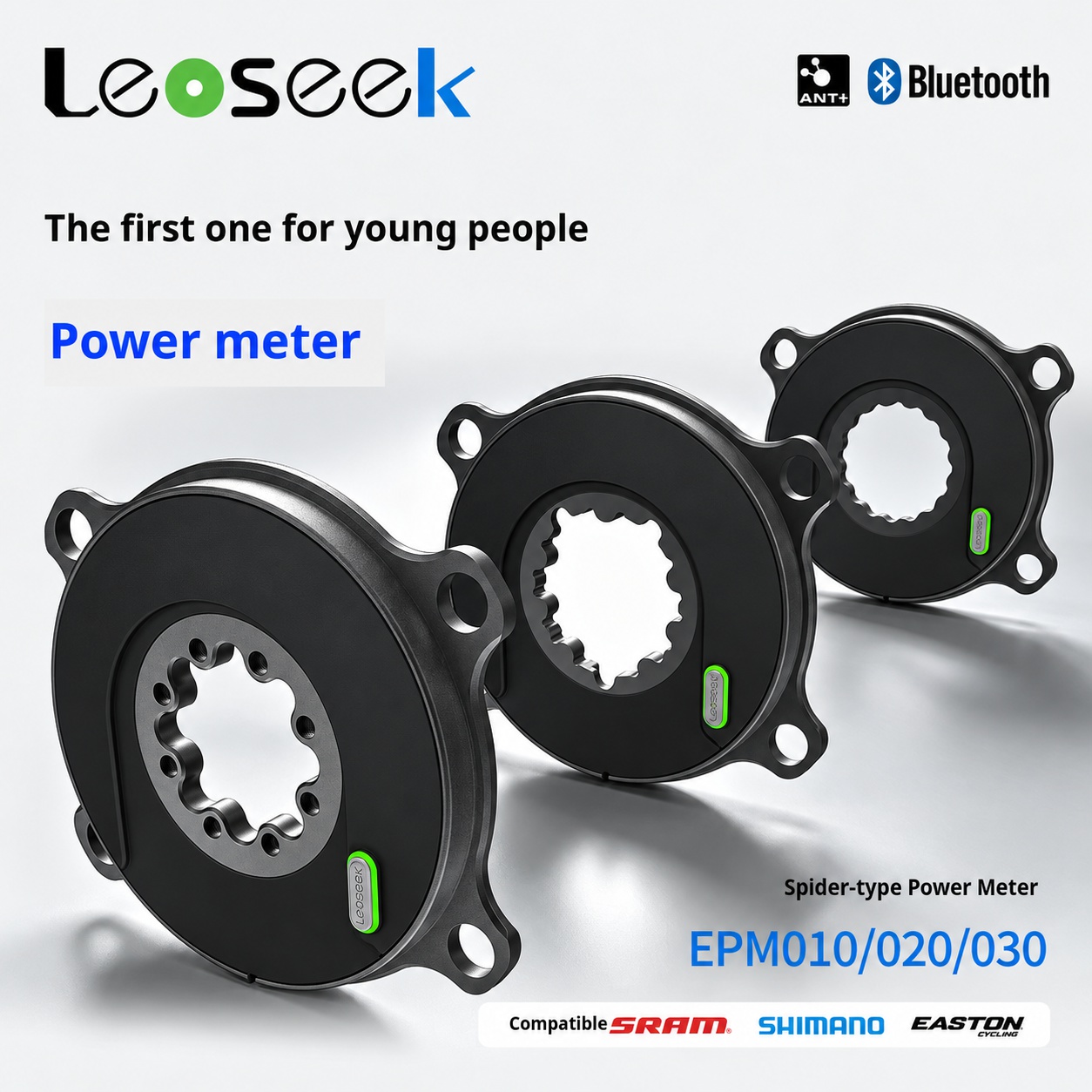
Thank you for choosing the Leoseek Ultralight Power Meter.
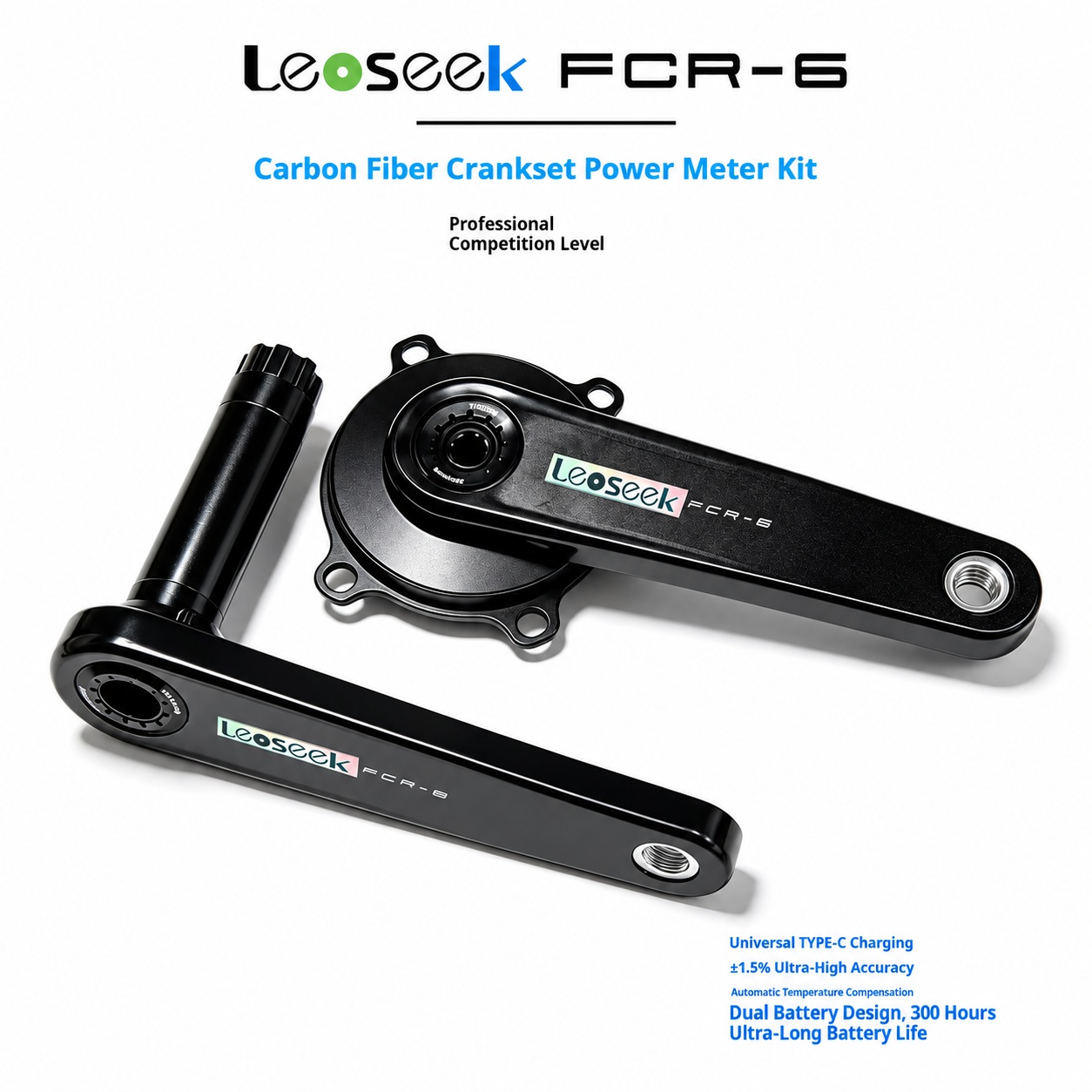
This product is designed for road bicycle crankset power measurement. It provides accurate real-time cycling data including power, cadence, left-right balance, and pedaling smoothness, helping riders improve training efficiency and riding performance.
The Leoseek power meter supports ANT+ and Bluetooth wireless transmission, and is compatible with most popular cycling computers and cycling apps.
2. Product Features
-
High Accuracy Power Measurement
Power measurement accuracy up to ±1.5%.
-
Wide Power Measurement Range
Supports power output measurement from 0W to 2200W.
-
Cadence Measurement
Cadence measurement range: 30–180 RPM.
-
ANT+ & Bluetooth Support
Compatible with bike computers, smartphones, and cycling training devices.
-
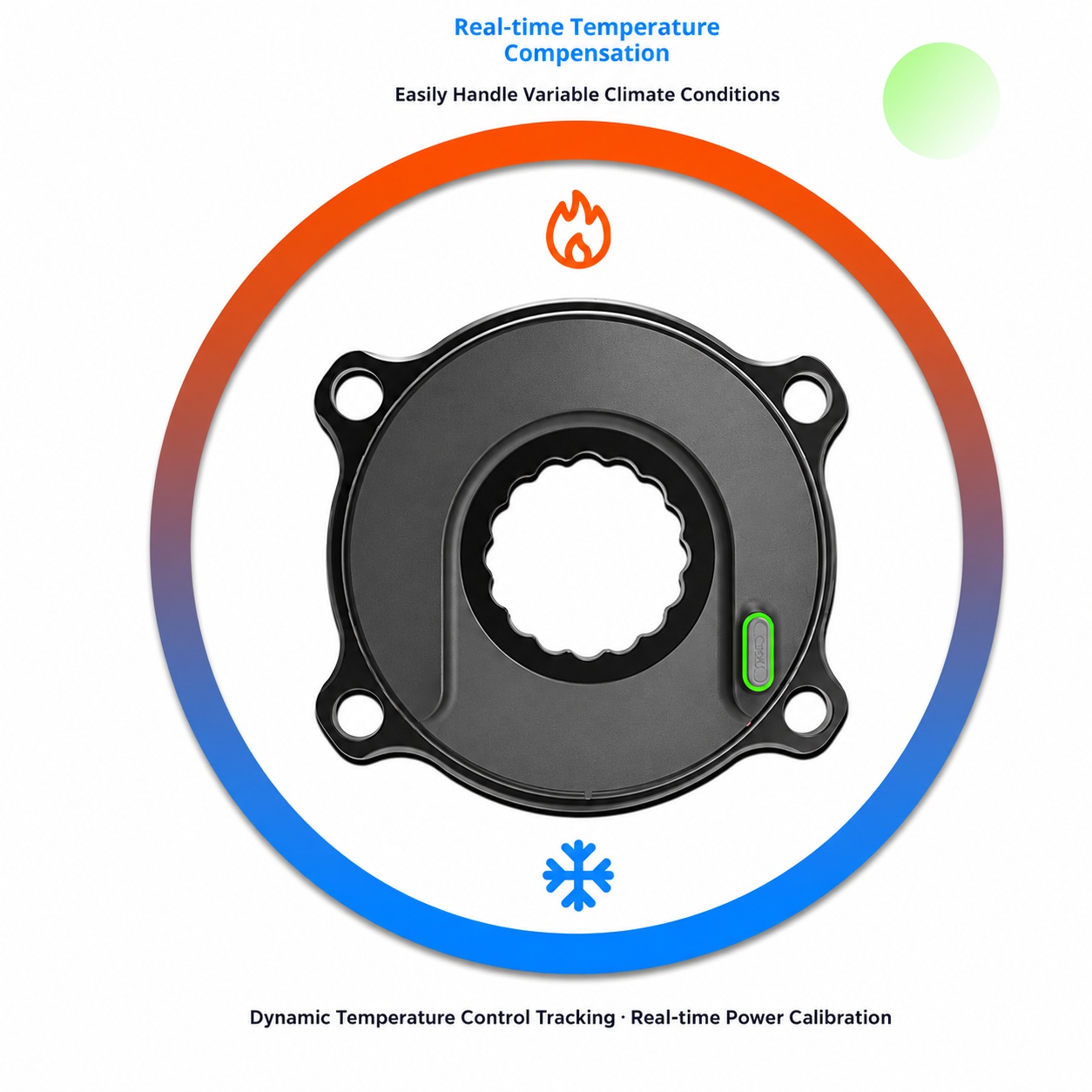
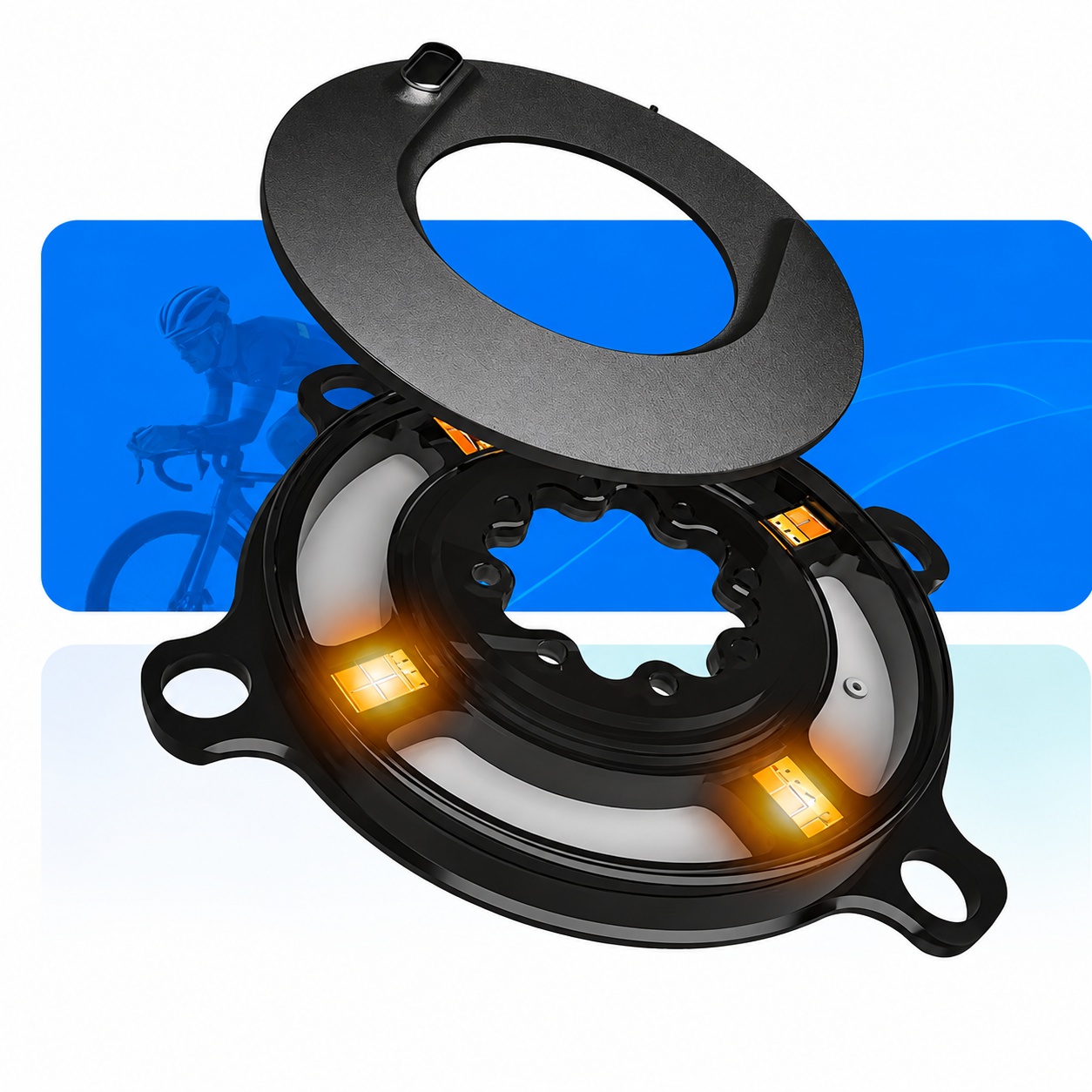
Real-Time Temperature Compensation
Automatically compensates for temperature changes to maintain stable and accurate power data.
-
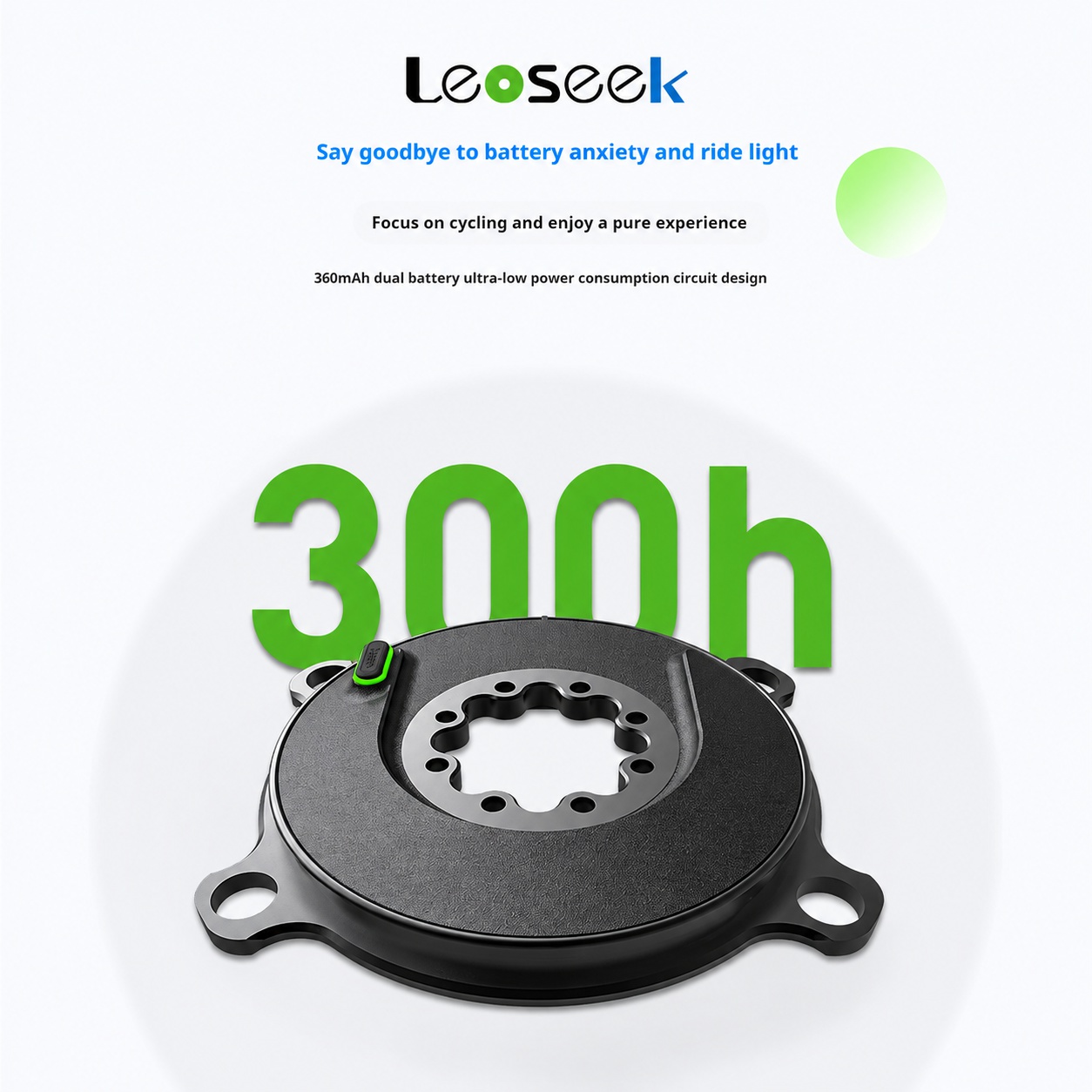
Long Battery Life
Built-in rechargeable battery provides up to 300 hours of riding time.
-
USB Type-C Charging
Supports common USB Type-C charging cables and mobile phone chargers.
-
IP67 Waterproof Protection
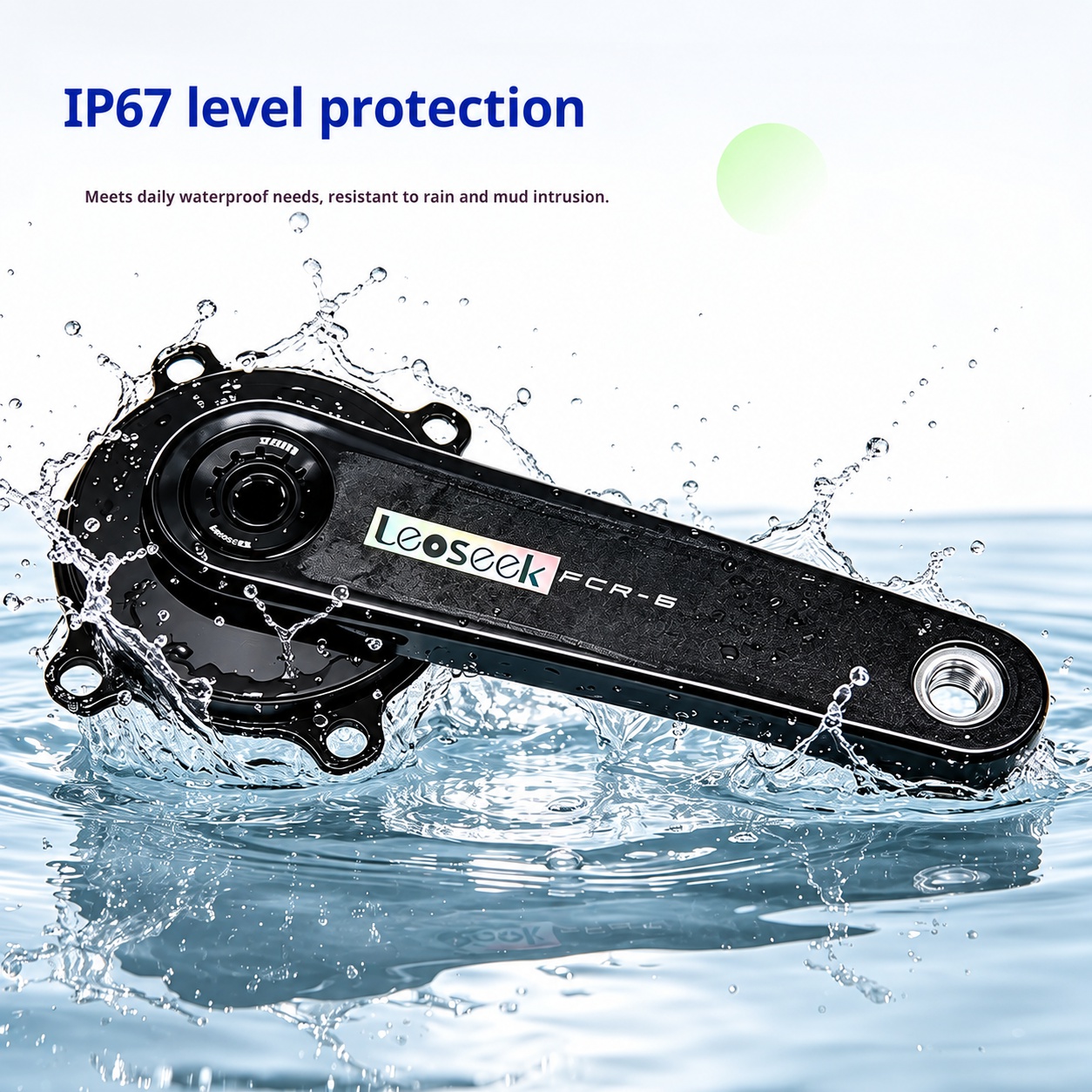
Resistant to daily rain, splashes, mud, and dust.
-
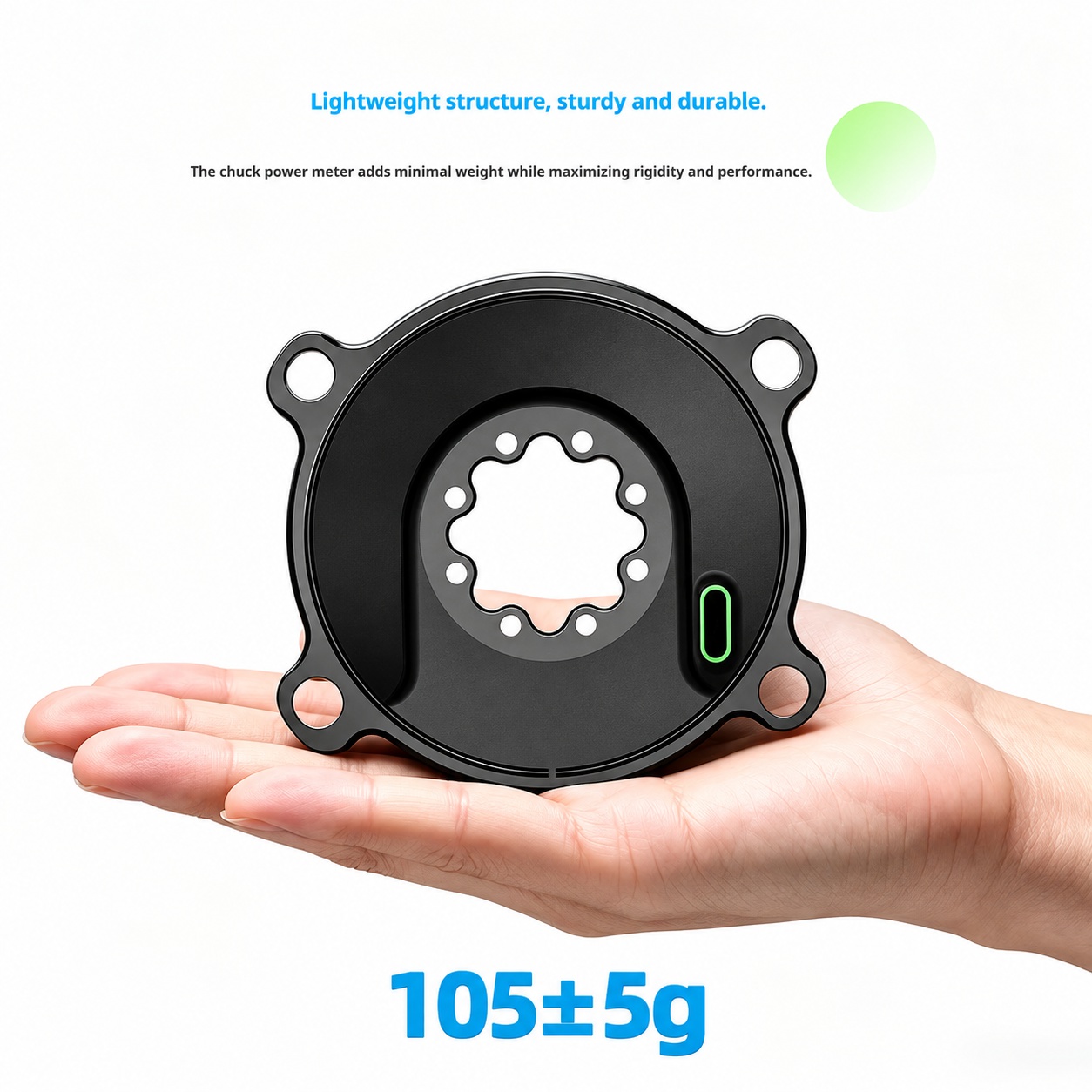
Lightweight Design
Approximate weight: 105±5g.
-
Multiple Calibration Methods
Supports automatic calibration, bike computer calibration, and Bluetooth calibration.
3. Specifications
| Item |
Specification |
| Brand |
Leoseek |
| Product Type |
Spider-Type Power Meter |
| Power Accuracy |
±1.5% |
| Power Measurement Range |
0–2200W |
| Cadence Measurement Range |
30–180 RPM |
| Supported Data |
Power, Cadence, Left-Right Balance, Pedaling Smoothness |
| Battery Life |
Up to 300 hours |
| Charging Method |
USB Type-C |
| Wireless Protocol |
ANT+, Bluetooth |
| Waterproof Rating |
IP67 |
| Weight |
105±5g |
| Storage Temperature |
-20℃ to 50℃ |
| Calibration Methods |
Automatic Calibration, Bike Computer Calibration, Bluetooth Calibration |
| Warranty |
24 Months |
4. Package Contents
Please check the package before use.
- 1 × Leoseek Power Meter
- 1 × Product Manual
Note:
USB Type-C charging cable is not included. You may use a standard mobile phone Type-C charging cable.
5. Compatibility
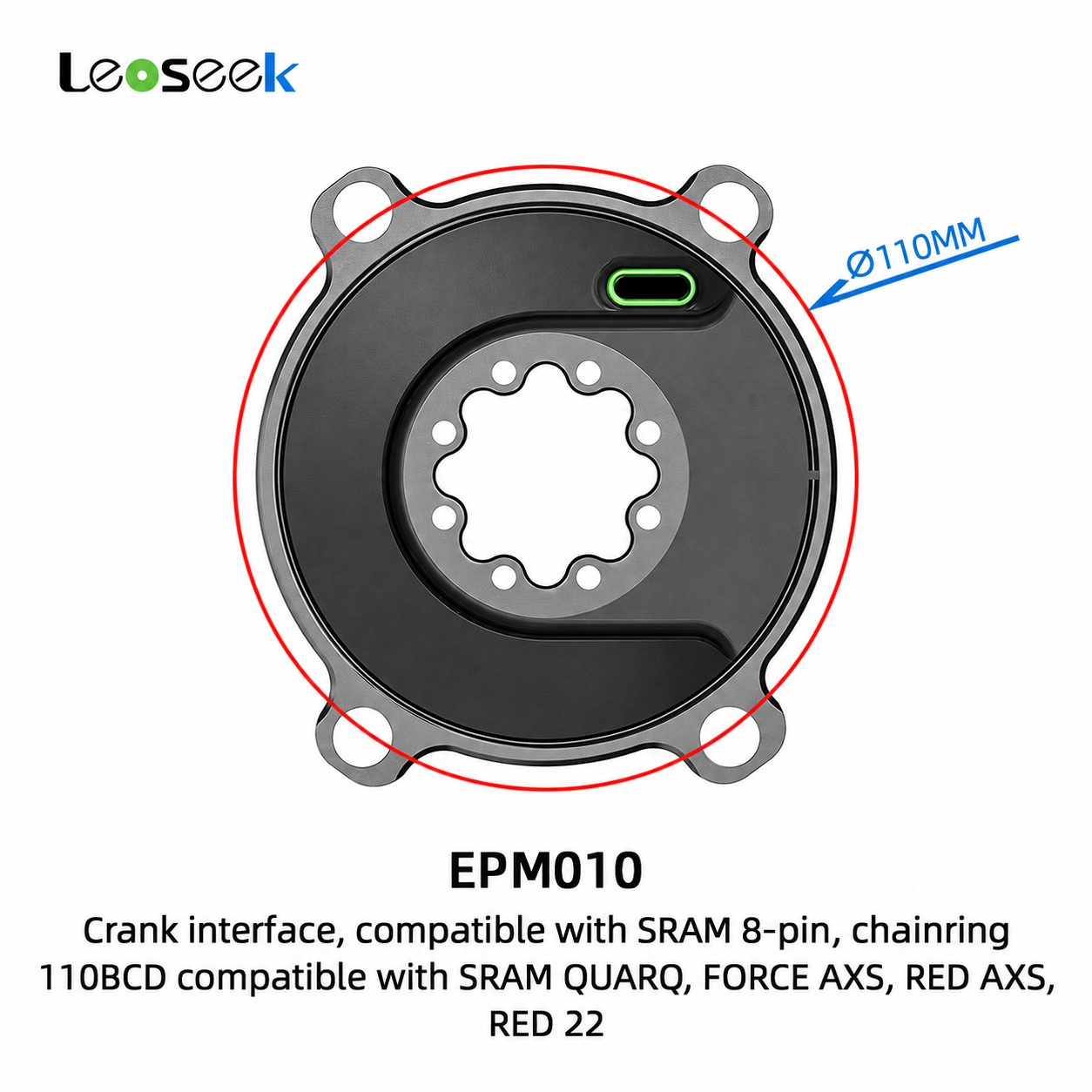
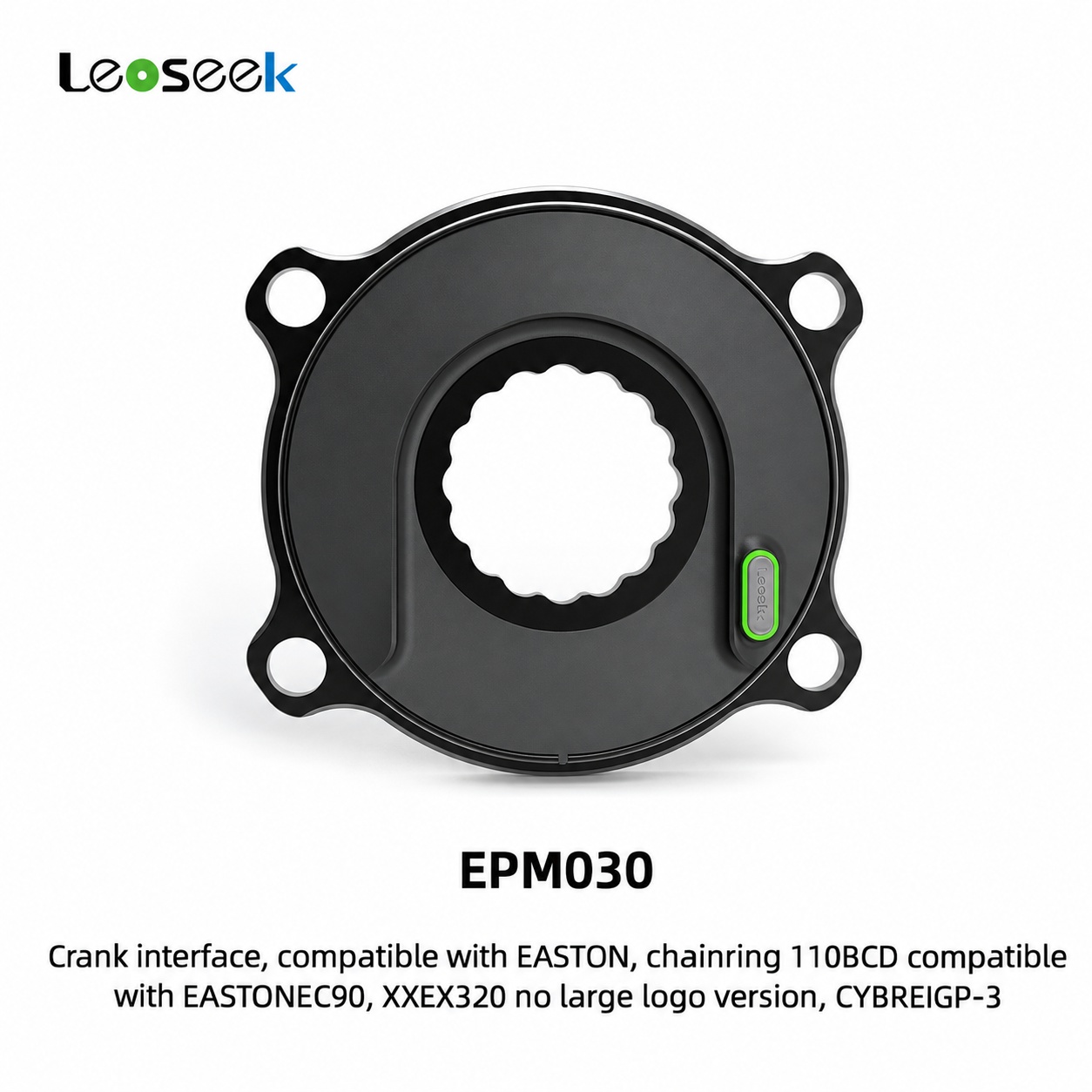
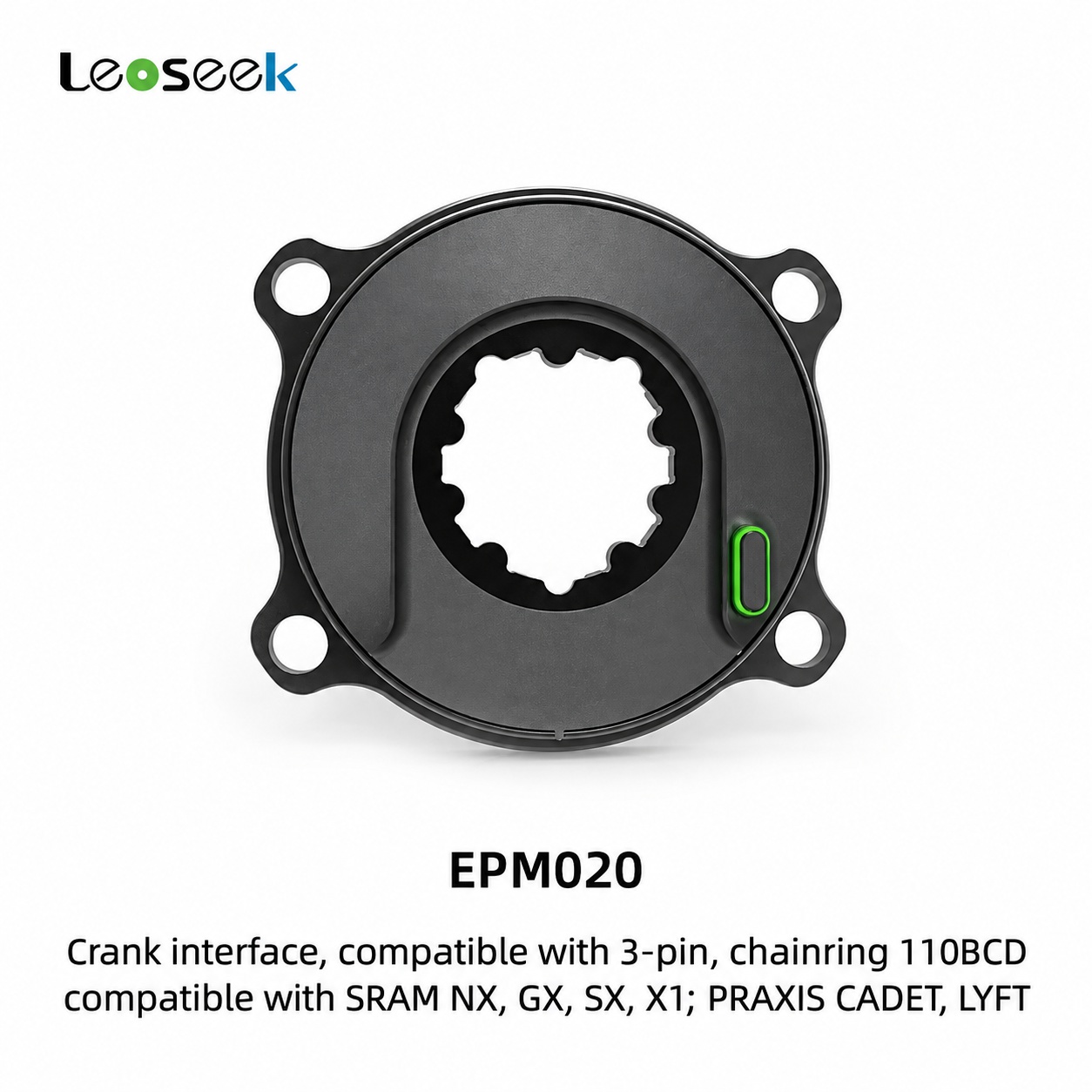
The Leoseek power meter is designed for road bicycle crankset systems.
Compatible with selected crank systems including:
- Shimano
- SRAM
- Easton
- Other compatible road bicycle cranksets
Compatible bike computer brands include:
- Garmin
- Magene
- Wahoo
- iGPSPORT
- CYCPLUS
- Blackbird
- Bryton
- Shanren
- Coros
- Giant
- Other ANT+ or Bluetooth compatible devices
Important:
Before installation, please confirm that your crankset, BCD specification, axle type, and chainring compatibility match the power meter model.
6. Installation Instructions
6.1 Preparation Before Installation
Before installation, please prepare the required bicycle tools according to your crankset type.
Make sure:
- The bicycle is placed securely on a repair stand.
- The crankset and chainrings are clean.
- The power meter and crank interface are free from dust, oil, or metal debris.
- All bolts and mounting surfaces are undamaged.
6.2 Installation Steps
- Remove the original crankset or spider from the bicycle according to the crank manufacturer’s instructions.
- Install the Leoseek power meter onto the compatible crank arm or crankset interface.
- Align the mounting holes correctly.
- Tighten all bolts evenly in a cross pattern.
- Use the recommended torque value according to your crankset or chainring manufacturer’s specification.
- Reinstall the crankset onto the bicycle.
- Check that the crank rotates smoothly without rubbing or abnormal noise.
- Confirm that the power meter has sufficient clearance from the frame, chainstay, and front derailleur.
Warning:
Incorrect installation may cause inaccurate measurement, component damage, or riding safety risks. If you are not familiar with bicycle crank installation, please ask a professional mechanic for assistance.
7. Power On / Wake Up
The Leoseek power meter will automatically wake up when crank rotation or movement is detected.
To wake up the device:
- Rotate the crank several times.
- Wait for the bike computer or app to detect the power meter signal.
- Connect using ANT+ or Bluetooth.
The device will automatically enter sleep mode when no movement is detected for a period of time.
8. Device Pairing
8.1 Pairing with ANT+ Bike Computer
- Wake up the power meter by rotating the crank.
- Open the sensor settings on your bike computer.
- Select Add Sensor or Search Sensor.
- Choose Power Meter.
- Select the Leoseek power meter from the device list.
- Confirm pairing.
- Perform calibration before riding.
8.2 Pairing with Bluetooth Device
- Wake up the power meter.
- Open a compatible cycling app or device settings.
- Search for Bluetooth power meter devices.
- Select the Leoseek power meter.
- Complete the connection.
- Perform calibration before riding.
Note:
If the power meter is already connected to one Bluetooth device, it may not be visible to another Bluetooth device at the same time. Disconnect the previous device before pairing with a new one.
9. Calibration
For best accuracy, it is recommended to calibrate the power meter before each ride.
9.1 Calibration Conditions
Before calibration:
- Place the bicycle on a stable surface.
- Keep the crank arms stationary.
- Do not apply force to the pedals.
- Make sure the power meter is awake and connected.
- Keep the bike upright and stable.
9.2 Calibration Methods
The Leoseek power meter supports:
- Automatic calibration
- Bike computer calibration
- Bluetooth app calibration
9.3 Bike Computer Calibration
- Wake up the power meter.
- Connect the power meter to your bike computer.
- Enter the power meter sensor settings.
- Select Calibrate or Zero Offset.
- Wait until the calibration is completed.
- Start riding after calibration success.
9.4 Automatic Calibration
The power meter supports automatic calibration during normal use. However, manual calibration is still recommended before important rides, races, or structured training sessions.
10. Charging Instructions
The Leoseek power meter uses a USB Type-C charging port.
Charging Steps
- Open the charging port cover carefully.
- Connect a USB Type-C charging cable.
- Connect the cable to a USB charger, power bank, or computer USB port.
- After charging is complete, disconnect the cable.
- Close the charging port cover securely.
Important:
Make sure the charging port cover is fully closed before riding, especially in wet or muddy conditions.
Charging Notes
- Charging cable is not included.
- Compatible with common mobile phone charging cables and chargers.
- Fast charging adapters can be used.
- Do not charge the device in extremely wet environments.
- Do not ride while the charging port cover is open.
- Keep the charging port clean and dry.
11. Battery Life
The Leoseek power meter provides up to 300 hours of battery life under normal use.
Actual battery life may vary depending on:
- Riding frequency
- Temperature
- Wireless connection status
- Storage time
- Battery age
If the device is not used for a long time, please charge it regularly to maintain battery health.
12. Waterproof Protection
The product features IP67 waterproof protection, suitable for daily riding conditions such as:
- Rain
- Road spray
- Mud splashes
- Dust
Warning:
IP67 protection does not mean the product is suitable for long-term underwater use. Do not immerse the power meter in water for extended periods. Do not use high-pressure water guns directly on the charging port or sealing areas.
13. Temperature Compensation
The Leoseek power meter supports real-time temperature compensation.
This function helps reduce measurement drift caused by environmental temperature changes, ensuring more stable and reliable power data during rides in different weather conditions.
Storage temperature range: -20℃ to 50℃
14. Supported Data
The power meter can provide the following cycling data:
- Real-time power
- Average power
- Maximum power
- Cadence
- Left-right balance
- Pedaling smoothness
The displayed data may vary depending on the bike computer or cycling app used.
15. Maintenance
To ensure long-term stable performance, please follow these maintenance guidelines:
- Keep the power meter clean and dry.
- Wipe the surface with a soft cloth after wet or muddy rides.
- Do not use corrosive cleaners or solvents.
- Do not disassemble or modify the product.
- Check mounting bolts regularly.
- Keep the charging port cover closed during rides.
- Recharge the battery regularly if stored for long periods.
- Store the product in a dry and cool environment.
16. Troubleshooting
Problem: Bike computer cannot find the power meter
Possible solutions:
- Rotate the crank to wake up the power meter.
- Make sure the battery has power.
- Move the bike computer closer to the power meter.
- Check whether the device is already connected to another Bluetooth device.
- Restart the bike computer or cycling app.
- Search again using ANT+ or Bluetooth.
Problem: Power data is inaccurate
Possible solutions:
- Perform calibration before riding.
- Make sure the crank is not under load during calibration.
- Check whether all bolts are tightened correctly.
- Confirm correct installation.
- Check if the chainring or crankset is rubbing.
- Avoid calibration immediately after large temperature changes; wait a few minutes for stabilization.
Problem: Cadence data is missing
Possible solutions:
- Wake up the power meter by rotating the crank.
- Reconnect the sensor.
- Check bike computer data field settings.
- Confirm that the connected device supports cadence display from a power meter.
Problem: Device cannot charge
Possible solutions:
- Try another USB Type-C cable.
- Try another charger or USB port.
- Check whether the charging port is dirty or wet.
- Clean and dry the charging port carefully.
- Do not use damaged charging cables.
Problem: Bluetooth connection fails
Possible solutions:
- Disconnect the power meter from other Bluetooth devices.
- Turn Bluetooth off and on again.
- Restart the cycling app.
- Wake up the power meter again.
- Re-pair the device.
17. Safety Warnings
- Please confirm compatibility before installation.
- Improper installation may cause product damage or riding safety risks.
- Do not disassemble, impact, burn, or modify the product.
- Do not expose the product to extreme heat for long periods.
- Do not charge the device if the charging port is wet.
- Always check crankset and chainring bolts before riding.
- If abnormal noise, looseness, or damage is found, stop using the product immediately.
- For installation or maintenance, consult a professional bicycle mechanic if necessary.
18. Warranty Policy
The Leoseek power meter comes with a 24-month warranty.
During the warranty period, replacement service is available for product faults not caused by external artificial damage.
Warranty Covers
- Internal electronic failure
- Abnormal power measurement failure
- Charging failure caused by product defect
- Wireless transmission failure caused by product defect
Warranty Does Not Cover
- Damage caused by crashes or accidents
- Damage caused by incorrect installation
- Damage caused by unauthorized disassembly or modification
- Water damage caused by improper charging port closure
- Damage caused by misuse, external impact, or improper maintenance
- Normal wear and cosmetic scratches
19. Important Notes
- Always calibrate the power meter before important rides.
- Keep the charging port cover closed during use.
- Do not use high-pressure water to clean the product.
- Charge the battery before long-distance rides.
- Store the product between -20℃ and 50℃.
- The product specifications may be updated without prior notice.
Quick Start Guide
- Install the Leoseek power meter correctly.
- Fully charge the device before first use.
- Rotate the crank to wake up the power meter.
- Pair with a bike computer or cycling app via ANT+ or Bluetooth.
- Perform calibration / zero offset.
- Start riding and view real-time power and cadence data.
Leoseek Power Meter
Train accurately. Ride efficiently. Perform better.